Cover Letter CreationAugust 10, 20266 min read0 views
Free Cover Letter Templates: Download Professional Designs for Word, PDF & Google Docs
Qlimb Up
Author

Qlimb Up
Author
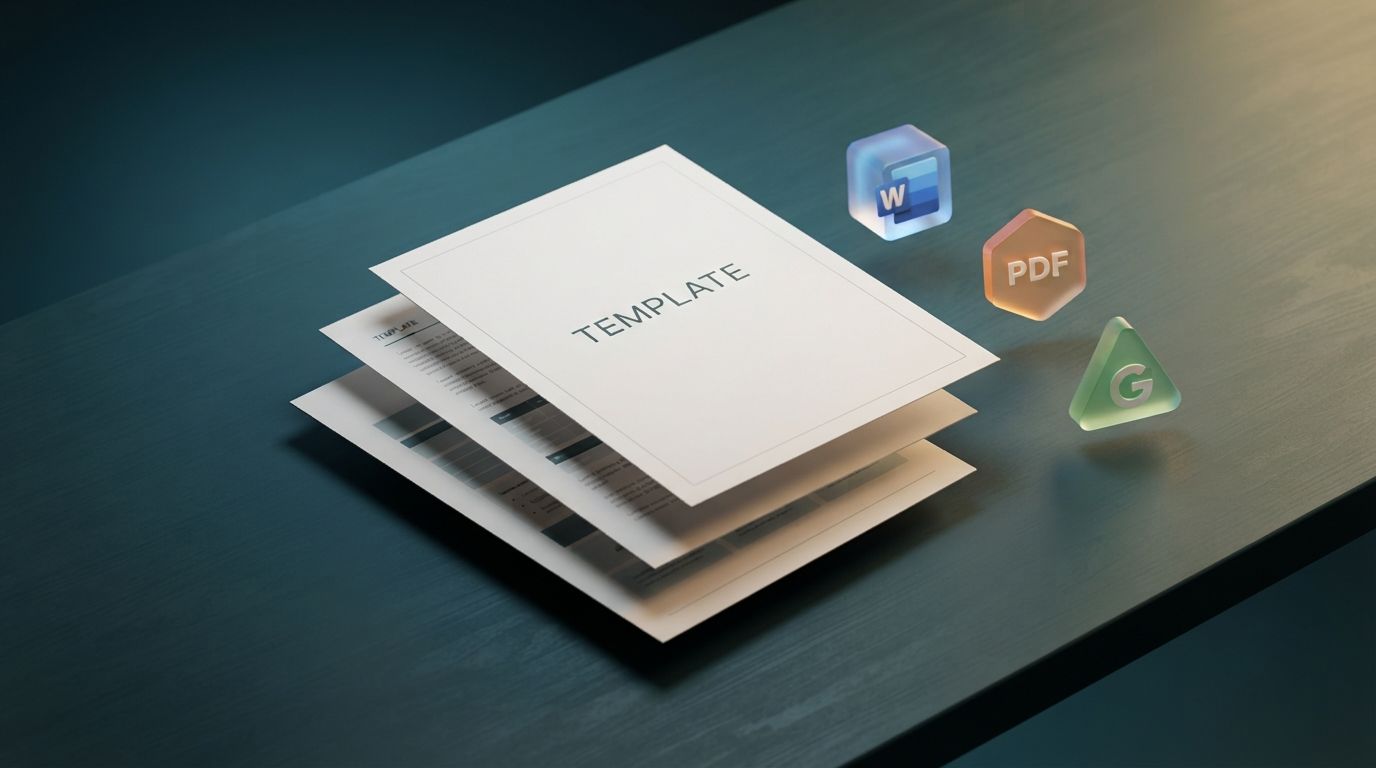
A professionally designed cover letter template can save you hours of formatting work while ensuring your application looks polished and modern. At QlimbUp, we know that job seekers need more than just advice — they need ready-to-use tools that work. That's why we've curated the best free cover letter templates available for Word, PDF, Google Docs, and Canva. Whether you're applying for your first job or a senior executive position, these templates will help you make a stunning first impression.
Creating a cover letter from scratch can be time-consuming and stressful, especially if you're unsure about formatting standards. A high-quality template provides:
• Professional formatting: Pre-set margins, fonts, and spacing that meet industry standards
• ATS compatibility: Designs that are readable by Applicant Tracking Systems
• Time savings: Focus on content instead of layout
• Consistency: Matching resume and cover letter designs for a cohesive application
• Customization: Easy-to-edit fields that you can tailor for each application
1. Microsoft Word Cover Letter Templates
Microsoft Word remains the gold standard for professional documents. Here are the best free options:
Professional Template:
A clean, traditional design with clear section headers and balanced white space. Ideal for corporate, legal, and financial positions. Available in .docx format for easy editing.
Modern Template:
Features a subtle color header and contemporary font choices. Perfect for marketing, tech, and creative roles. Fully editable in Microsoft Word.
Simple Template:
Minimalist design focusing on content over aesthetics. Great for entry-level positions and conservative industries. Easy to customize.
How to use: Download the template, open in Microsoft Word, replace the placeholder text with your information, and save as PDF before submitting.
Google Docs templates are perfect for collaborative editing and cloud storage. Benefits include:
• Free with any Google account
• Accessible from any device with internet
• Easy sharing for feedback from mentors or career coaches
• Automatic saving prevents lost work
QlimbUp offers several Google Docs cover letter templates, including a classic professional design, a creative layout for design roles, and a student-focused template that emphasizes education and potential.
Canva has revolutionized design accessibility with hundreds of attractive, drag-and-drop cover letter templates. Key features:
• Visual appeal: Stunning designs that stand out in creative industries
• Customization: Change colors, fonts, and layouts with a few clicks
• Free downloads: Many templates are completely free; premium options available
• Multiple formats: Export as PDF, PNG, or JPG
Caution:
While Canva templates are visually striking, ensure your final design remains ATS-friendly. Avoid excessive graphics, unusual fonts, or complex layouts that may confuse automated screening systems.
PDF templates are ideal when you want a fixed, uneditable format that preserves your design across all devices. QlimbUp provides free PDF cover letter templates that you can fill in using PDF editors or print and complete by hand. These are particularly useful for:
• In-person applications where you need a printed cover letter
• Ensuring consistent formatting across different computers
• Professional submissions where design integrity is crucial
5. Novorésumé & Resume.io Templates
These specialized platforms offer ATS-friendly cover letter templates with professional layouts:
Novorésumé: Known for clean, corporate-friendly designs that work well for office and business roles. Their templates are optimized for both human readers and ATS software.
Resume.io: Offers quick, polished cover letter templates with a focus on readability and professional appearance. Good for job seekers who want a streamlined application process.
Selecting the right template depends on your industry, experience level, and personal style. Use this guide:
At QlimbUp, we believe professional tools should be accessible to everyone. Our free cover letter template includes:
✓ ATS-optimized formatting that passes automated screening
✓ Clean, modern design suitable for all industries
✓ Editable fields for easy customization
✓ Matching resume template for a cohesive application
✓ Available in Word (.docx), PDF, and Google Docs formats
Visit www.qlimbup.com/templates to download your free cover letter template today.
1. Replace all placeholder text: Don't leave any bracketed instructions like [Your Name] or [Company Name].
2. Match your resume: Use the same font, color scheme, and header style as your resume for a professional, cohesive look.
3. Tailor for each job: Even with a template, customize the content for every application. Mention the specific job title, company name, and relevant skills.
4. Keep it one page: Resist the urge to add more content than the template allows. One page is the professional standard.
5. Save as PDF: Unless the employer specifically requests a Word document, always submit your final cover letter as a PDF to preserve formatting.
Are Free Cover Letter Templates Really Free?
Yes, many platforms offer genuinely free cover letter templates. QlimbUp provides completely free, professional-grade templates with no hidden costs. Some platforms like Canva and Novorésumé offer both free and premium options.
Can I Use a Cover Letter Template for Every Job?
You can use the same template design for multiple applications, but you must customize the content for each job. Hiring managers can spot generic, copy-paste cover letters instantly.
What's the Best Format to Submit a Cover Letter?
PDF is the best format for submitting cover letters because it preserves your formatting across all devices and operating systems. Only use Word documents if the employer specifically requests them.
A professional cover letter template is one of the most valuable tools in your job search arsenal. It ensures your application looks polished, meets industry standards, and passes through ATS systems without issues. Whether you prefer Microsoft Word, Google Docs, Canva, or PDF formats, there's a perfect template waiting for you.
QlimbUp offers an extensive collection of free, professionally designed cover letter templates for every industry and experience level. Download your template today at www.qlimbup.com and take the first step toward a standout application. Remember: a great template gets you started, but your unique story and qualifications are what will ultimately land you the job.
About QlimbUp:
QlimbUp provides free professional templates, expert career advice, and AI-powered tools to help job seekers worldwide. Download your free cover letter template at www.qlimbup.com.